
MakerBooks keeps the books.
Dead-simple bookkeeping and tax readiness for makers — real profit, tax set-aside, and Schedule-C-ready records all year.
Log, profit, taxes.
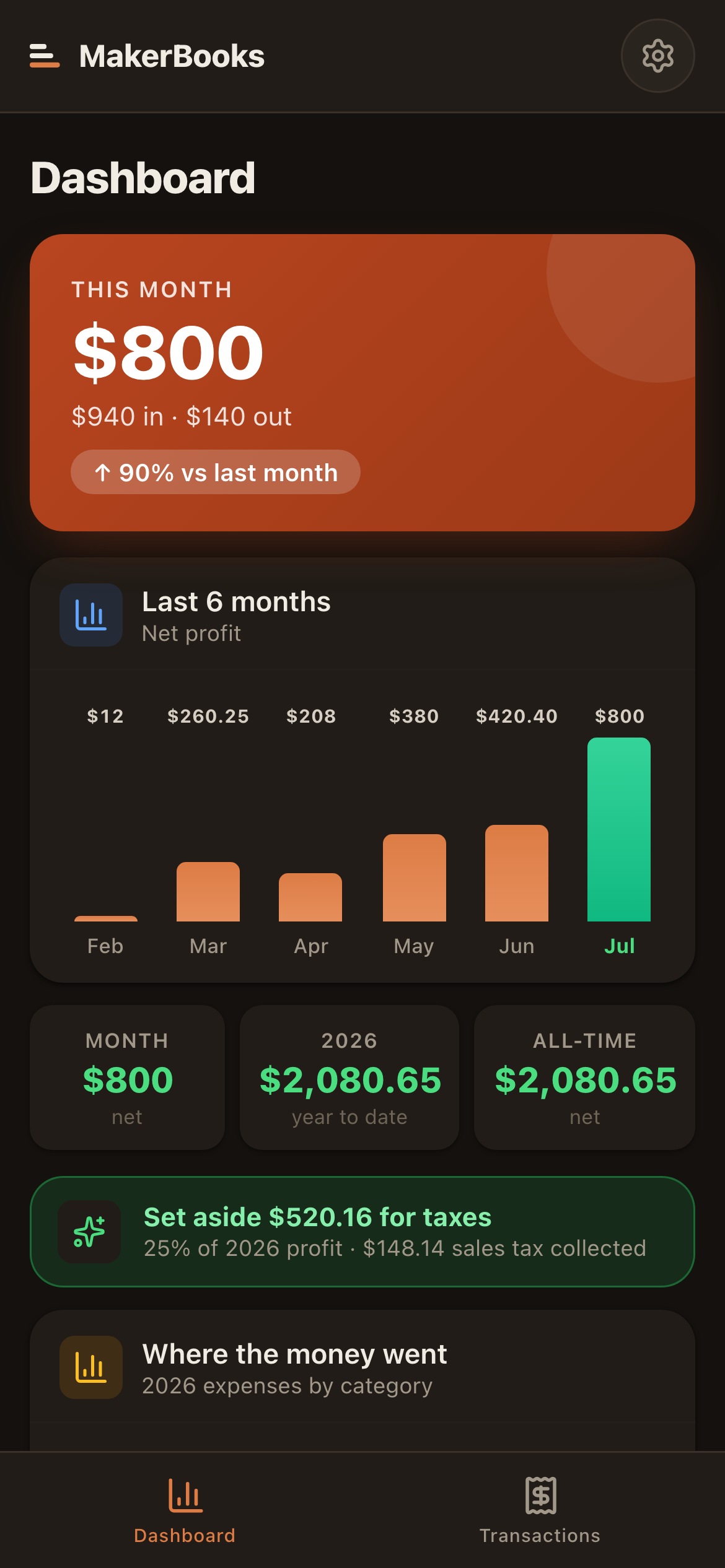
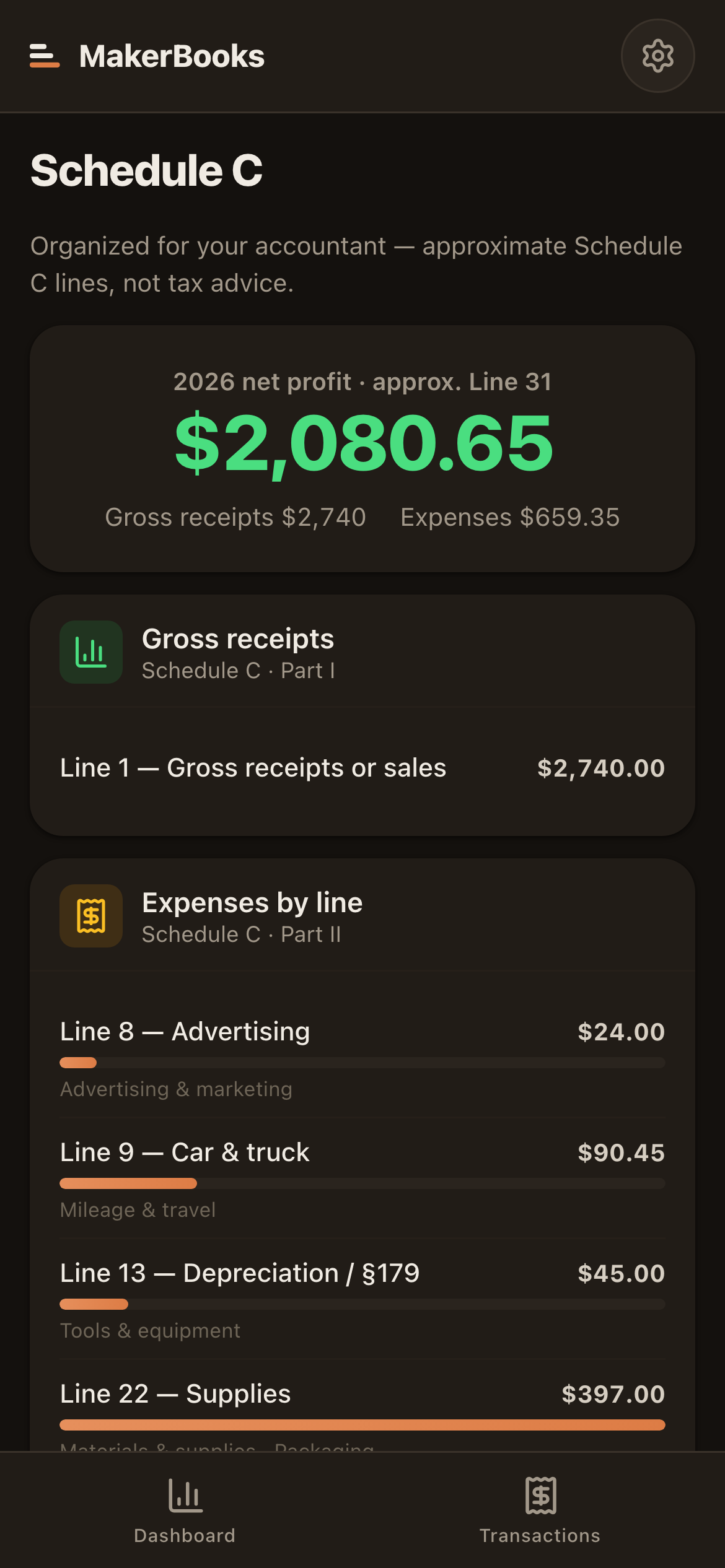
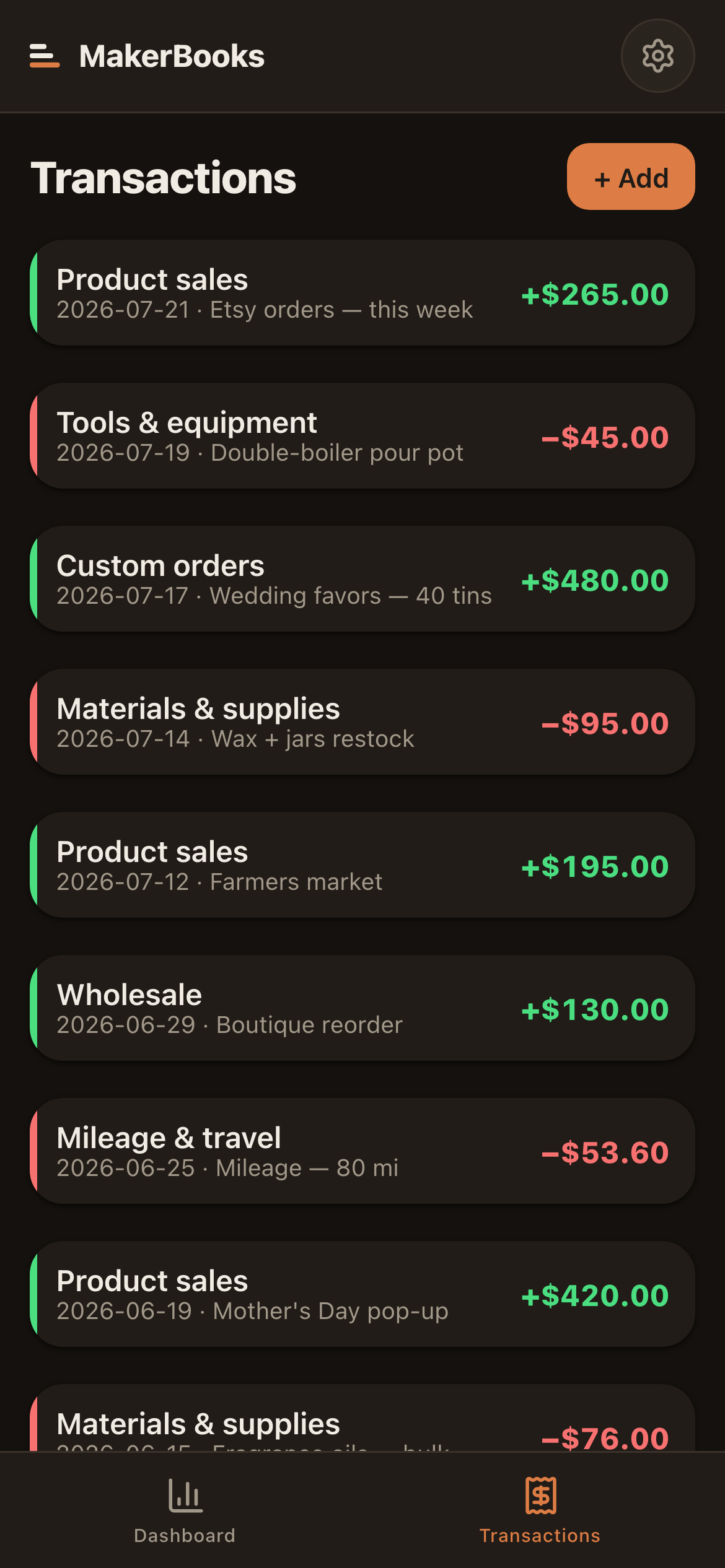
Know your real profit.
MakerBooks is one loop, end to end. Log income and expenses in seconds and tag each one. The dashboard shows your real profit — month, year-to-date, and all-time — tells you what to set aside for taxes, and organizes every expense into approximate Schedule C lines for your accountant.
MakerBooks keeps income and expenses in one place, so the numbers you need in April already exist:
- — Is my maker business actually making money?
- — How much should I set aside for taxes?
- — Where did the money actually go this year?
- — What do I hand my accountant in April?
There is no account and no server. Every transaction lives on your device, with a one-tap JSON backup whenever you want one. Your books never touch someone else’s server.
MakerBooks is the bookkeeping & tax piece of Bennett Studio — alongside MarginPrint, MarketDay, and BenchStock. Every app shares the same local-first storage, backup, and offline foundations, so use MakerBooks on its own or with the rest.
Bookkeeping without jargon.
The free tier is fully built and tested today — and the paid upgrades (unlimited transactions, the tax set-aside, Schedule C export, CSV) are built. Not for sale yet — it ships when it is good enough to charge for.
MakerBooks isn’t for sale yet.
It is built and I use it, but it is not finished enough to charge for. Rather than sell you a rough version and patch it around you, it stays off the shelf until it earns its price.
No date promised — it ships when it is good enough. In the meantime, get in touch if you want to hear when it does.
The honest answers.
Is this tax advice?
No. MakerBooks organizes your income and expenses and maps them to Schedule C lines so they’re ready for your accountant. It never files anything and never gives tax advice — it’s a record-keeper, not a CPA.
How is it different from QuickBooks?
QuickBooks is powerful, general-purpose, and overwhelming for a one-person maker shop. MakerBooks speaks your language (materials, booth fees, mileage), runs on your phone, and costs a fraction of the price.
Where does my data live?
On your device — full stop. No account, no server. Your finances never leave your phone. Export a JSON backup anytime (and especially at tax time).
Does it move my money?
Never. MakerBooks only records money in and out. It never connects to your bank or processes a payment.
Stop dreading tax season.
MakerBooks is still being built. It is not for sale yet, and there is no date — it ships when it is good enough to charge for.
Release notes only, and not often.